You must log in or # to comment.

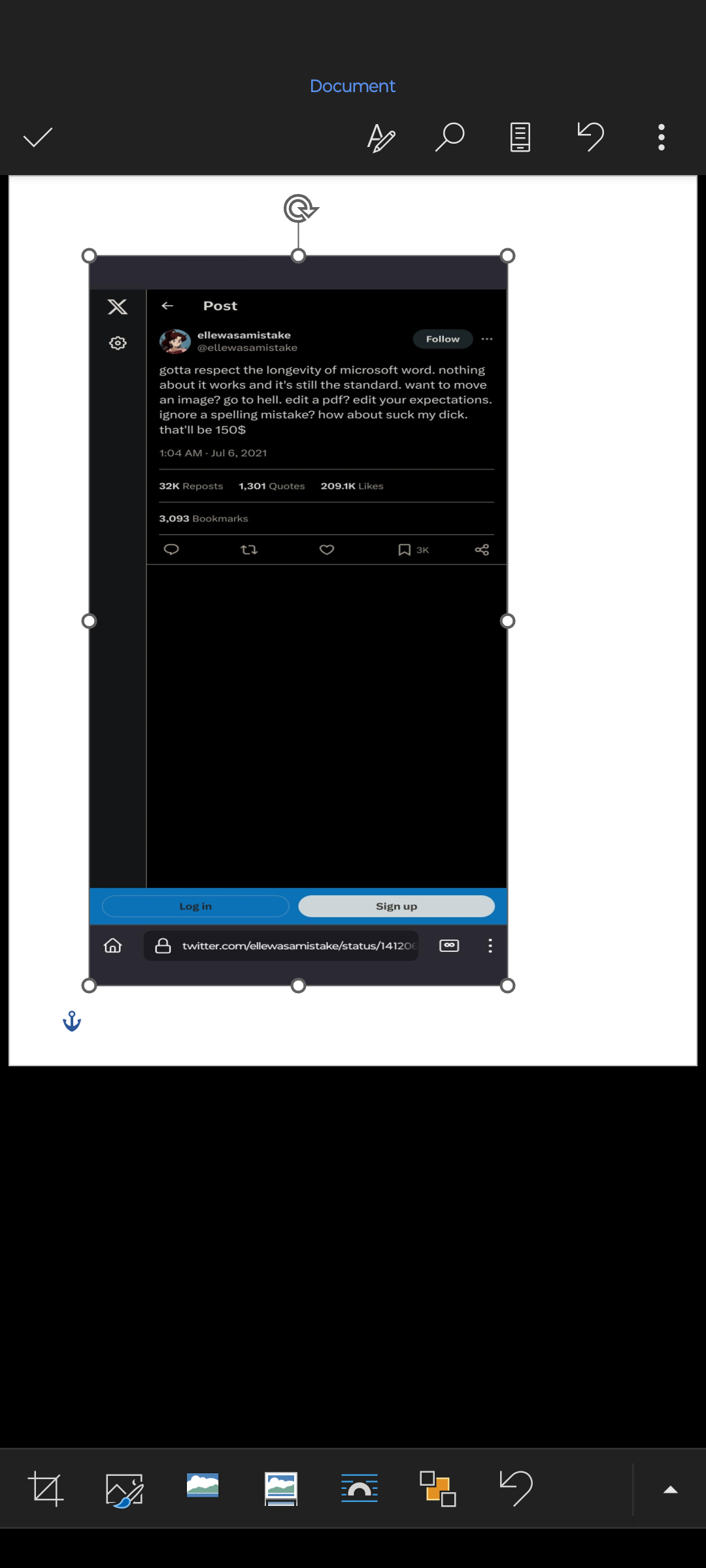
Did you take this screenshot in Microsoft Word?
Sure
btw your profile pic’s awesomeThanks, I made it myself (using AI obviously).
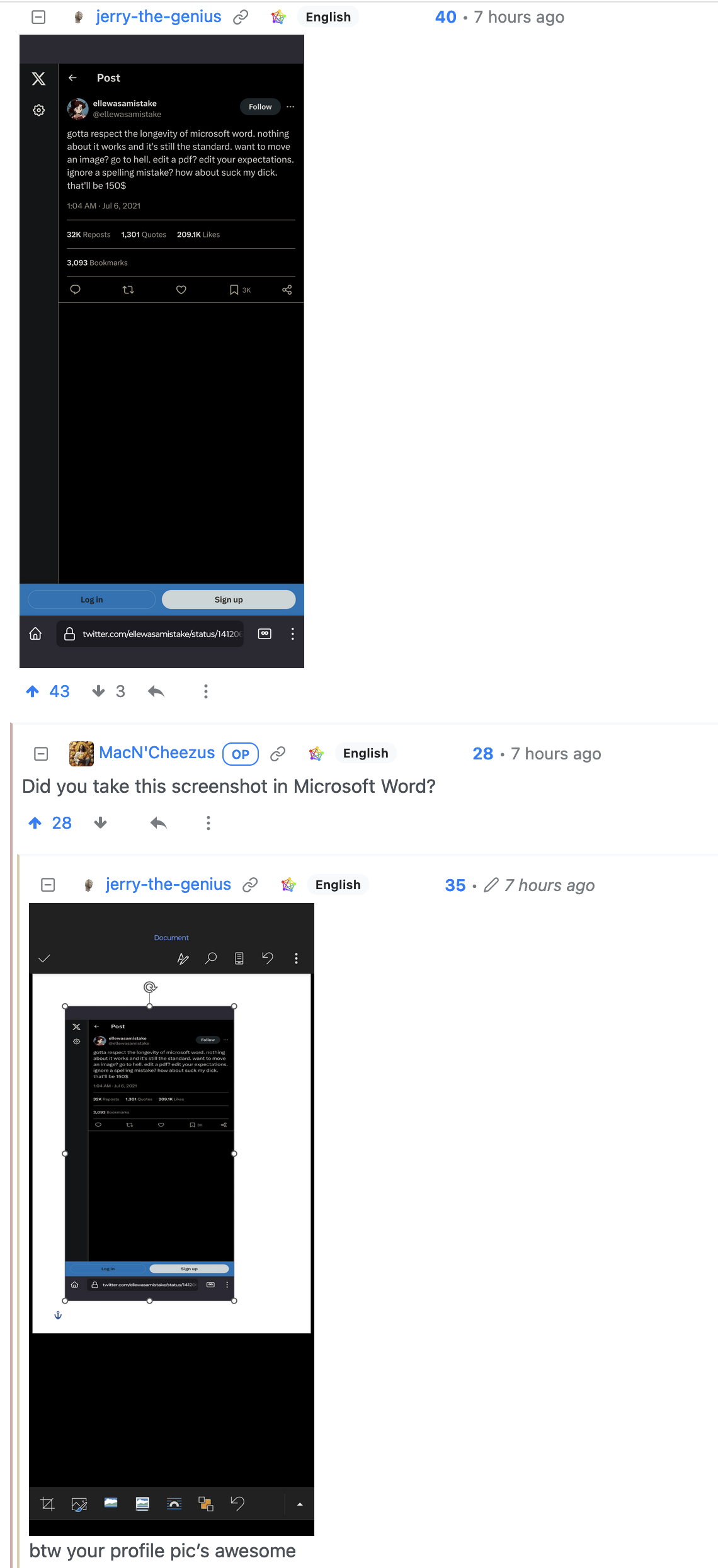
Microsoft Office is hands down the most infuriating and absolute garbage software package I have ever been forced to use, and I have used some truly shitty programs in my time.
Says somebody who didn’t use wordperfect in W98.
Delete a letter: Why the fuck did the font change?
Never mind that, WP for MS-DOS. Nothing was intuitive aside from just typing text. Did you want to do anything other than just have plain text? Say… double spacing? Or italicizing a word? Have fun spending 5 minutes looking it up in the manual.
I worked at a recording studio/media duplicating house in the 1990s. Long after the Win 98 era, the boss insisted on keeping an MS-DOS computer around to print out cassette tape labels on a dot matrix printer using WP. It took literally years to convince him that we could just use the laser printer.
It didn’t help that we had a specialized CD label printer, so we weren’t printing out paper CD labels, so he always said, “well I don’t trust it!” Guy was a moron. For many reasons- not to make this post super long, but he had a chance to make a deal with Sirius (which merged with XM) before they even launched their satellites. What did he say? “Well I don’t trust them.” Unsurprisingly, instead of being a millionaire, the business is closed and he’s working some low-level office job.
The joys of working for a trust fund kid.
In w98 times you could still run wp 5.2
I mean i “had win98” but mostly just booted to dos anyway.even when WP went wysiwig I found “reveal codes” was far better than word to understand what the formatting was actually doing.
Eh, mostly a skill issue
Yeah, me happily using styles getting a manageable layout . . . . that’s more or less consistent with the business style guide.
Any other f*cker even sniffs at my document . . .Also me: Why do we have to use MS software?
Bosses: Everyone knows how to use it.I can assure you that a program that consistently can’t save a document without utterly annihilating the simplest of formatting, it is most certainly not a skill issue.
Unless your referring to Microsoft, in which case they are probably a bunch of incompetent nuggets with a hard-on for pretty ribbons and worthlessly complicated “features”.
I say the same about Linux
I’m also lying
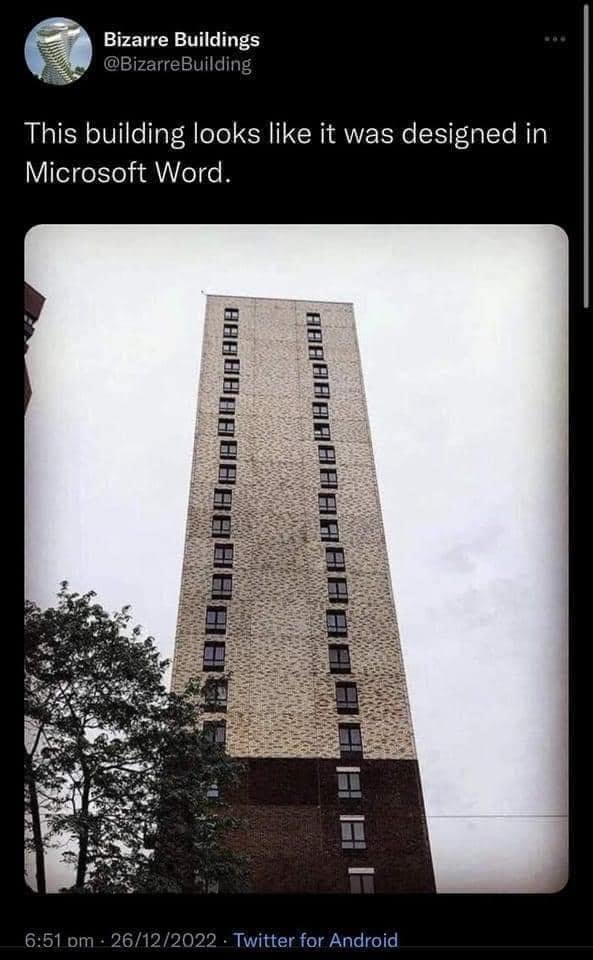
You know that Word has alignment tools that are easy to use and fix those issues don’t you? It looks like it was designed in paint.
Aligning things in Word is a joke. So many times shit just decides it’s going to fucking being 3 spaces over there instead of directly below something.
Paint however gives you pixel perfect placement.
Word is great if you only have words in it. Add a picture? A chart or graph? Suddenly your words have become lemmings with oppositional defiant disorders and jump off the margins.
I dunno maybe they fixed that in recent releases but I’m not paying for a SaaS word processor.
Word is great if you only have words in it.
Ever heard about txt? Yet, word is still terrible when it only contain words: http://www.rtznet.nl/zink/latex.php?lang=en
Word is great if you only have words in it. Add a picture? A chart or graph? Suddenly your words have become lemmings with oppositional defiant disorders and jump off the margins.
You clearly don’t know how use Word :P
Trust me it has a learning curve, once you learn how to align things properly and use the provided options in reasonable ways it doesn’t fail, ever.
If word has a long learning curve, and LaTeX also has a long learning curve.
Why should people use something that is close sourced, spies on user, and expensive; instead of using tools that is free, private, standardized, and open?
deleted by creator
Agreed
You mean tables with invisible grid lines, so that I can finally put two pictures side by side and not have one of them move to fucking China as soon as I want to insert a sentence above?
Using tables to align things reminds me of the early days of the internet before css really was a thing
i have a small flexbox altar in a closet
DIVs for days. Just float it all left and don’t worry about flexbox. /s
deleted by creator
There’s a button that does what you want without much fuzz. You just have to actually lean how to use Word, like anything else.
Of course there’s a button for that, what fools.
Can you tell these fools what button that is and how to use it? Not for me obviously I know the exact button you’re talking about, but for the other fools you’re talking to.
If you hover or click the picture a little anchor on the top left corner should pop up. Click it and some options should pop up that’ll let you select whether you want the picture to be in line with text, over the text, under the text etc. It’s been a while but I think you can right click the imagine, select format and one of the tabs on that windows should give you the same options.
Office…
Get it?! XDDDDDD
Looks more like my latest 3dprint, I really should do some tensioning
Is word better or worse than formatting a confluence page?