- 14 Posts
- 65 Comments

 2·10 months ago
Right now, you have to set the user separately. But I will think about fixing this for next release, there already is a way to configure a default identity for new connections, but it does not apply to teleport yet
Yes, the community edition doesn’t have any limitation.
For paid plans, it’s relative to the average usage and activations across all licenses. E.g. if you, as an enterprise, purchase licenses for 5 users, but have a usage like other customers with 20 users, I might inquire about how you are using it. If it is a special case where you install and use it on many servers and VMs in parallel, this can be taken into account and the limits can be adapted. But in general, the license limits are permissive and do not interfere with your usage.
So I worked on this over the last couple of days and fixed several performance issues in the latest 15.4 release, especially when it comes to handling many added connections like in your case. Feel free to try it again, it should handle better now.
So I worked on this over the last couple of days and fixed several performance issues in the latest 15.4 release, especially when it comes to handling many added connections. Feel free to try it again, it should handle better now.
So I worked on the performance over the last couple of days. There were some regressions that I discovered. This should be fixed now in the latest 15.4 release.
You can go to Settings -> Troubleshoot and either take a look at the log files or launch it in debug mode. If you find anything, feel free to post on GitHub or Discord
When you say slow, what part do you refer to? I am always looking to improve on the performance front
I am a bit confused by the feedback on the performance here. Now the performance wasn’t that great previously, but that should have been fixed over time, especially in the latest updates.
Maybe I am missing something when testing. So if you want, feel free to elaborate on where the performance issues occur, I can look into that.
What system did you try it on? I can look into it
Alright, thanks for your insights from an outsider. It is always a difficult task to accurately judge your own projects if you’re intimately familiar with it. So I will see what I can do about the things you mentioned
Alright, I see your points.
Now that you have spent a lot of time discussing it, even looking at the code, one thing that would be valuable for me would be how accurate your expectations are based on what you read here compared to the actual app. If it is pretty much as expected, then I guess at least my summaries are accurate. If it’s not, then I can still do a better job at that part. Fundamentally changing the project itself is a little bit too late, but at least the communication can be changed on why people could use it. And I’m not trying to gain a new user here as it’s probably not for you, but still would be interesting to me. You can give it five minutes and use the .tar.gz or the .appimage if you don’t want to install anything.
Thanks for taking your time to write this.
I think the main point I’m trying to figure out here is whether this is a communications issue, i.e. how I describe it is not optimal or whether this is a fundamental project issue. Because I think I have a clear vision and target audience, I am part of that audience myself. The thing is, there isn’t one standout feature. The value comes from the combination and integrations of multiple features that work together and allow for a smooth use experience. I can say it has support for SSH, docker, kubernetes, hypervisors, and more but all of that on an individual layer isn’t that unique, it’s the combination that you can use all of them together. But this is difficult to put into words, trying it out for yourself for a few minute usually yields better results.
About the shell commands, that is one of the standout features about it, so it’s on purpose. I know this approach is more difficult and error prone than doing some kind of native library stuff, but it also allows me to run the same commands in remote shells on remote systems.
Yeah I am still trying to figure out how to explain it the best way to convince people to give it a try
For normal SSH this is all accurate, maybe I should have focused on wider topics.
Staying in the realm of SSH, where the integrations of XPipe produce added value is for example when it comes to virtual machines. If you quickly spin up a VM in a hypervisor such as Proxmox or KVM, it’s not that straightforward anymore. If you want to reach a VM running on a remote hypervisor host, you probably have to first use the hypervisor host as a jump server to be able to access the VM and the first place. You have to determine the external IP of the VM (which might be frequently changing), check if any kind of guest agents are available, check whether an SSH server is running (and start it in the VM shell if not). And only then you can type ssh user@host to that VM. XPipe will do that all automatically. So from your perspective, you only click on it and it will perform all these tedious tasks in the background and boot you into a terminal session.
The open core version provides almost all features in the community edition. It is not completely there yet, because in practice some components are difficult to separate or to include in the source since everything is in the same build. E.g. the whole licensing code is present in the community build as you can upgrade the license in-place, but that code is not part of the public source code and in a completely standalone build, this part is still required.
So it’s currently not fully possible to release the core component as is alone, but if you clone it and run in your own development environment, any components that are not included but required are fetched from an existing xpipe installation on that system. So cloning the community repository and running the dev build works fine.
I wouldn’t really say that though. It is aimed to make the whole process require less typing, make it more ergonomic, require less thinking, and speed it up a bit compared to if you’re doing it manually. There are plenty of expert options that you can use to fully customize your connections and your workflow.
Among the active users, there are many experienced professionals who use it because it makes their life easier.
Yeah most of the things listed can be done with any command-line SSH client, XPipe aims to improve the user experience for these tasks and also make them faster / take less time typing. I would argue you can save quite a bit of time if you use it correctly. And there is support for more than just plain SSH.
I would just recommend you to try it out for like 5 minutes. If you still don’t see the point of it, you can just uninstall it and move on
I see. About other RHEL distros like Rocky, these are available for free in xpipe. Is just limited to very specific distros like RHEL itself and Oracle Linux as there’s usually an enterprise reason why those are chosen.
So the vision is that this is only a connection hub, essentially a mediator that brings together your tools like terminals, editors, command-line clients and more. XPipe itself doesn’t have an SSH client, it just uses your locally installed one. Same goes for text editors, terminals, password managers, git clients, browsers, and more. It doesn’t replace anything, it works with your tools.
About unifying GUI access for your homelab, I guess that is personal preference. Some people like a gui-based workflow, some do like a more terminal focused experience. But with XPipe you can get both. You can use it as a quick terminal launcher if you don’t want to use any of the other GUI functionality. For example, if you are a frequent SSH user, see my other reply: https://sh.itjust.works/post/31552343/16245994 on how it can make your life easier. You can try it out for a few minutes to see how it works for you, you can get started very quickly and there is no setup required on any servers. There’s no commitment here.
If you like automation, there is also a built-in HTTP API (which you have to enable first). You can automate almost anything with that. The documentation for that is available here: https://github.com/xpipe-io/xpipe/blob/master/openapi.yaml and if you like python, there is also https://github.com/xpipe-io/xpipe-python-api
For the professional use case, the same concept of a connection hub apply here. XPipe doesn’t manage your keys, you can use whatever storage format or SSH agent configuration you want. If you use a password manager in your organization, you can connect that to XPipe and have XPipe itself not store any secrets. In terms of transit security, it just forwards everything to your locally installed SSH client for example. If you care about all the security details, you can find them at https://xpipe.io/assets/documents/Security in XPipe.pdf .
You can deploy this in your organization with whatever tools you use. Maybe the .msi with intune, or some other management tool for Linux and macOS. There are standard installers available for every use case. These can also handle updates, so if you disable automatic updates within the app and instead want to manage that yourself, you can use the installers to upgrade installations in-place with the latest releases from GitHub.
About the data storage and usage, if you want to use shared vaults in your organization, these are all handled via your own git client and git remote repositories. You can host them wherever you want. You get a full history of who did what in that vault with git automatically.



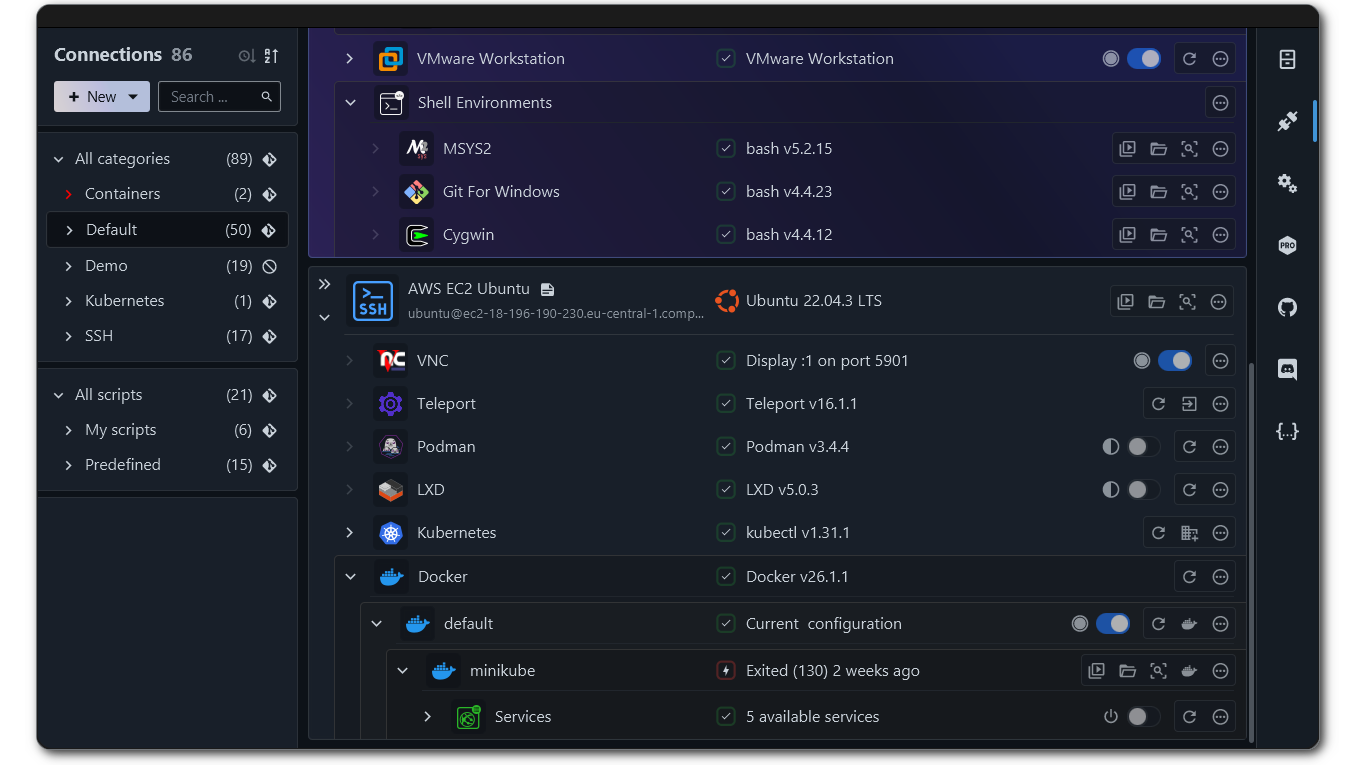
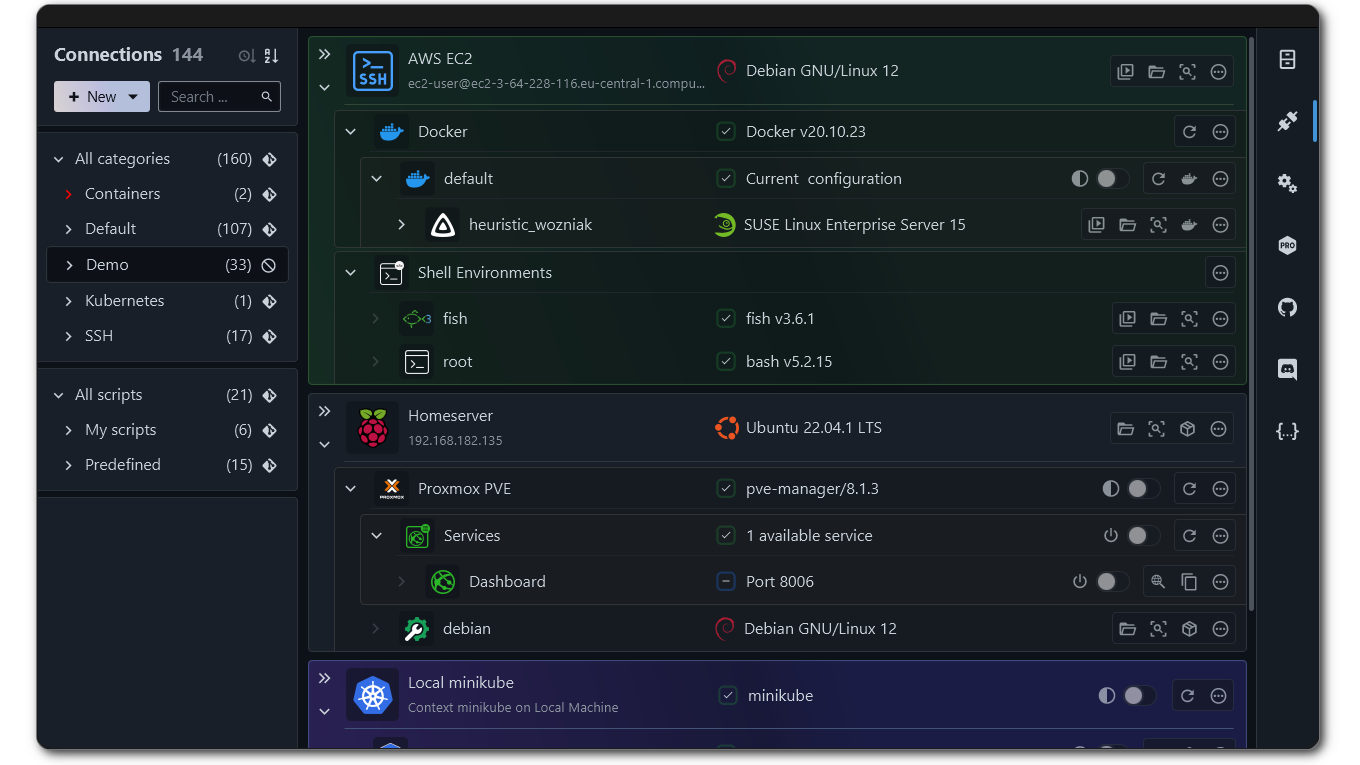
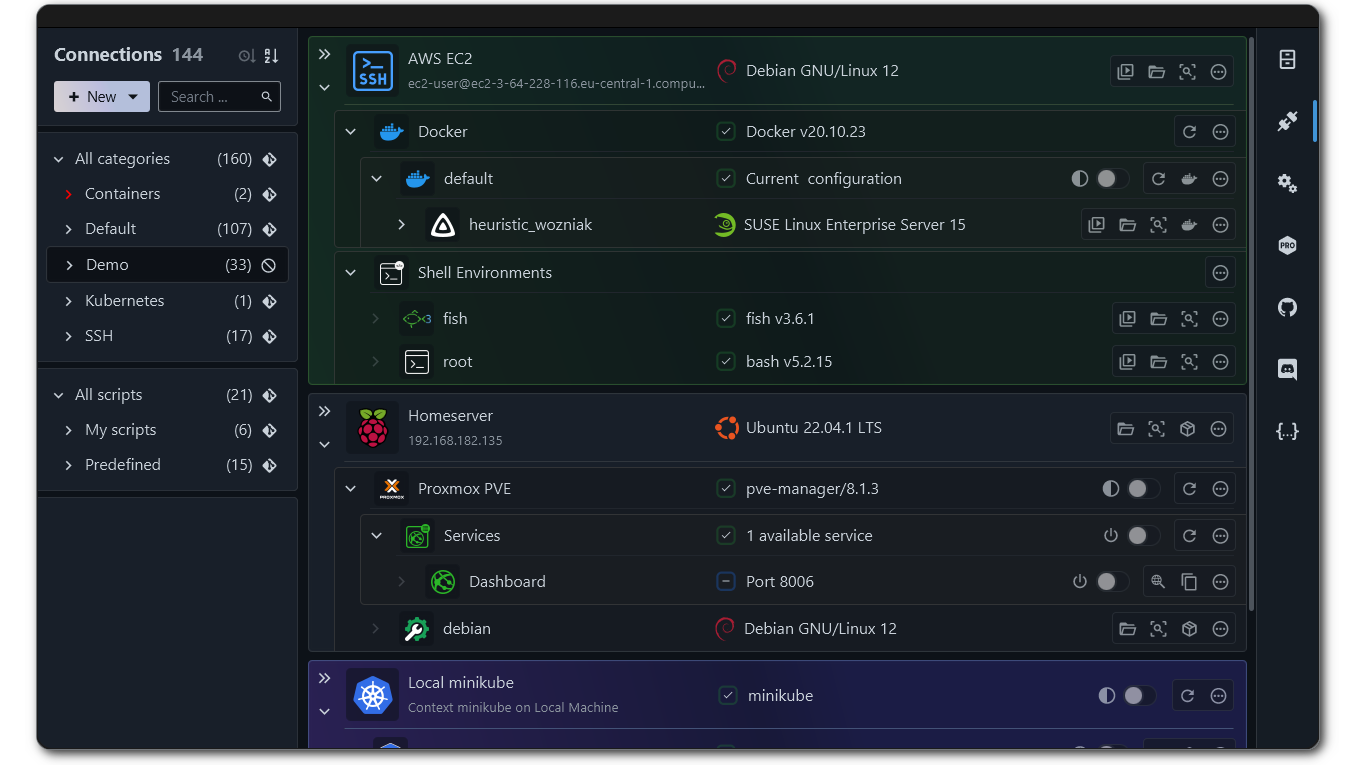


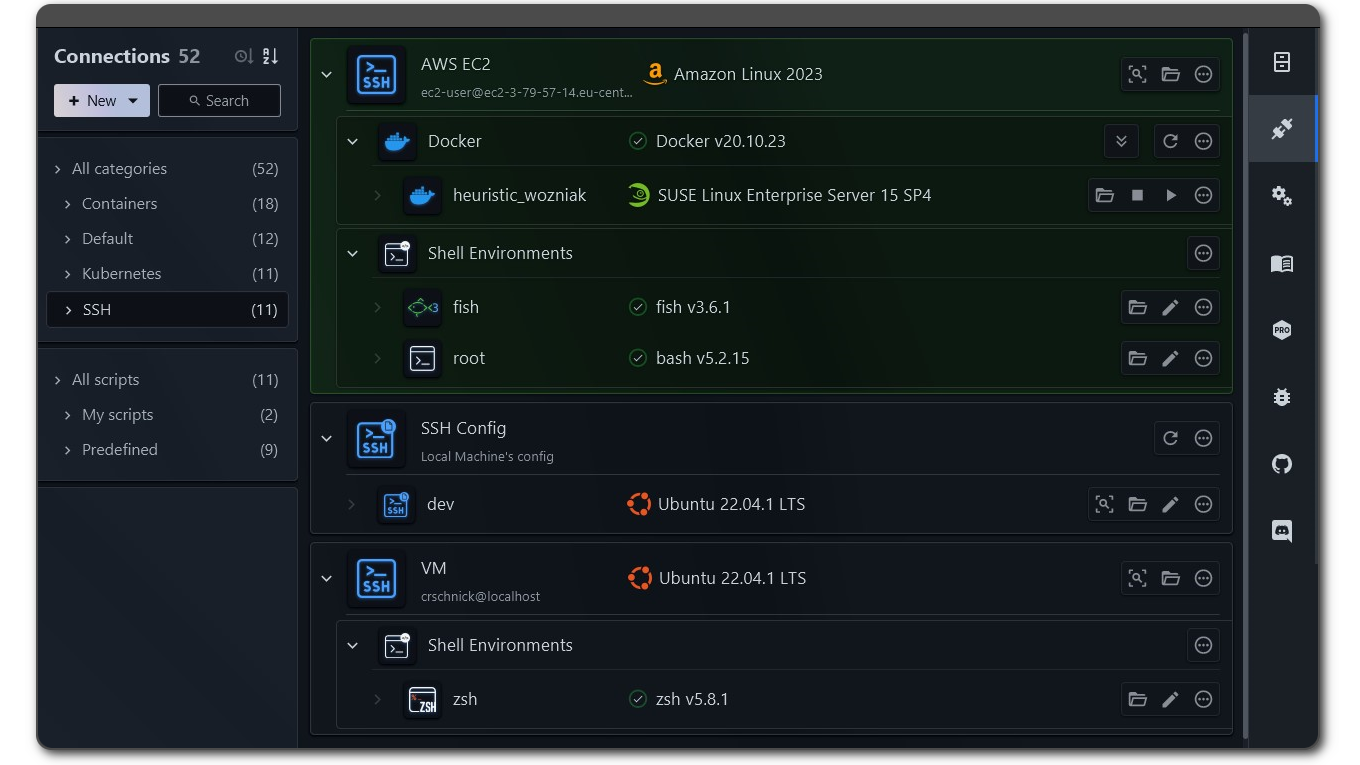
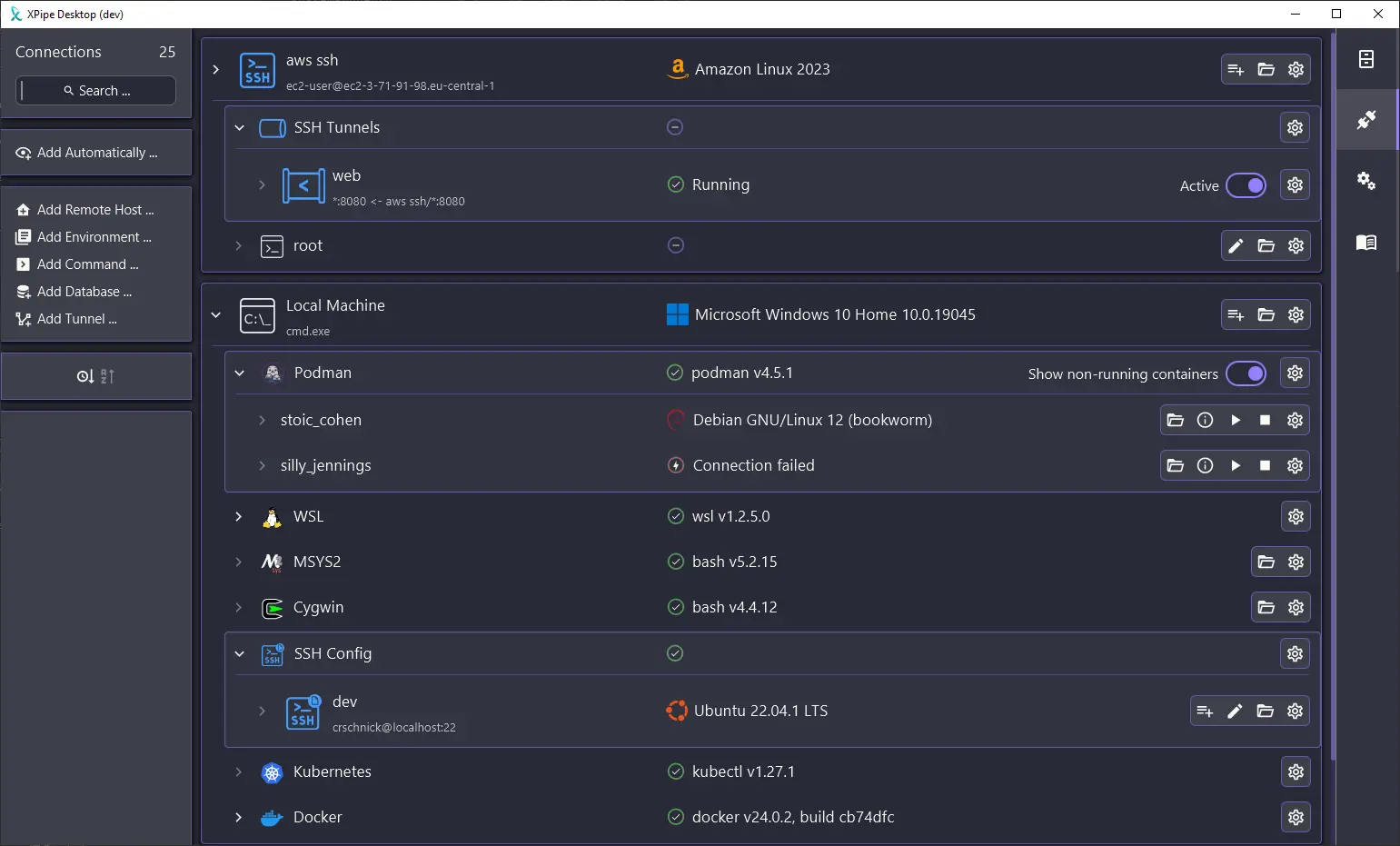

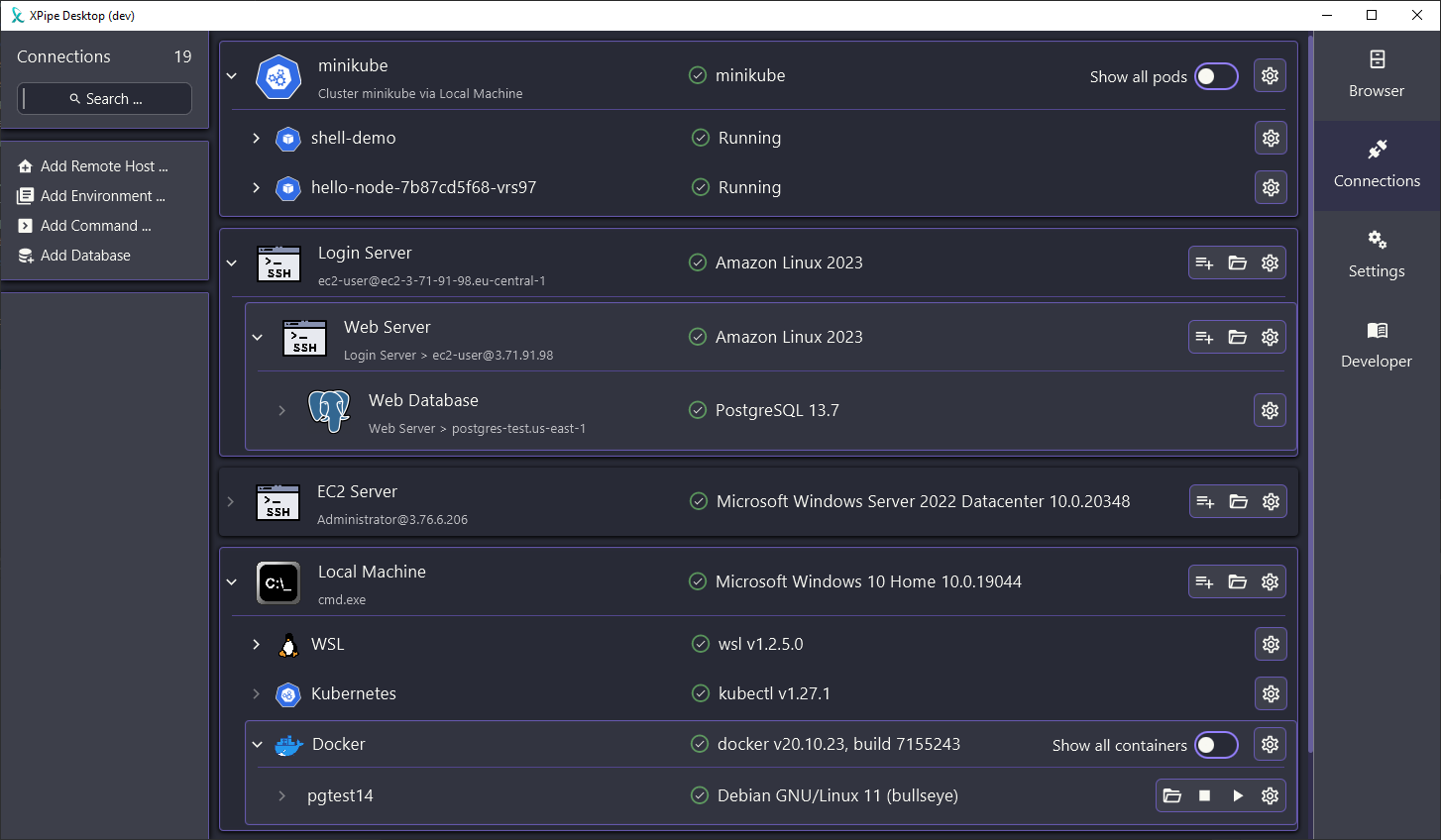
You can expand each entry at https://xpipe.io/pricing to see the details. For enterprise operating systems, this includes stuff like RHEL, Windows Enterprise, Amazon Linux, etc. So pricey operating systems that you usually only run in businesses. The pricing page also includes details on cases where this is not the case, e.g. if you’re trying to replicate production systems in your homelab and are running RHEL in there as well for example. If that is the case, I can upgrade your license for free if you send me an email.
I edited the post and added the link to pricing page to the post to make that more clear.